

Grids & Layouts
Grids move a chaotic layout to an organised one in a very easy manner.
A grid system is a series of overlapping and evenly spaced lines that help designers place elements on a page or slide in a useful manner.
Translation:
A grid will make any slide look 100 times better.
Think of a grids as a colouring book in which the object is drawn in outline, and then you colour it in to create a pleasant picture.
Grids do the same, but for layouts. They give you an outline into which you can place text and images that nicely align and stay consistent for every slide.
They can be very complex or very simple, but they are invaluable for good looking, effective slides.
There are many ways to use a grid guide for layouts, depending on the software you are using to create your presentations.
I have included 5 grids below, along with samples of how they look when populated with content.
— Layout One
-
![]()
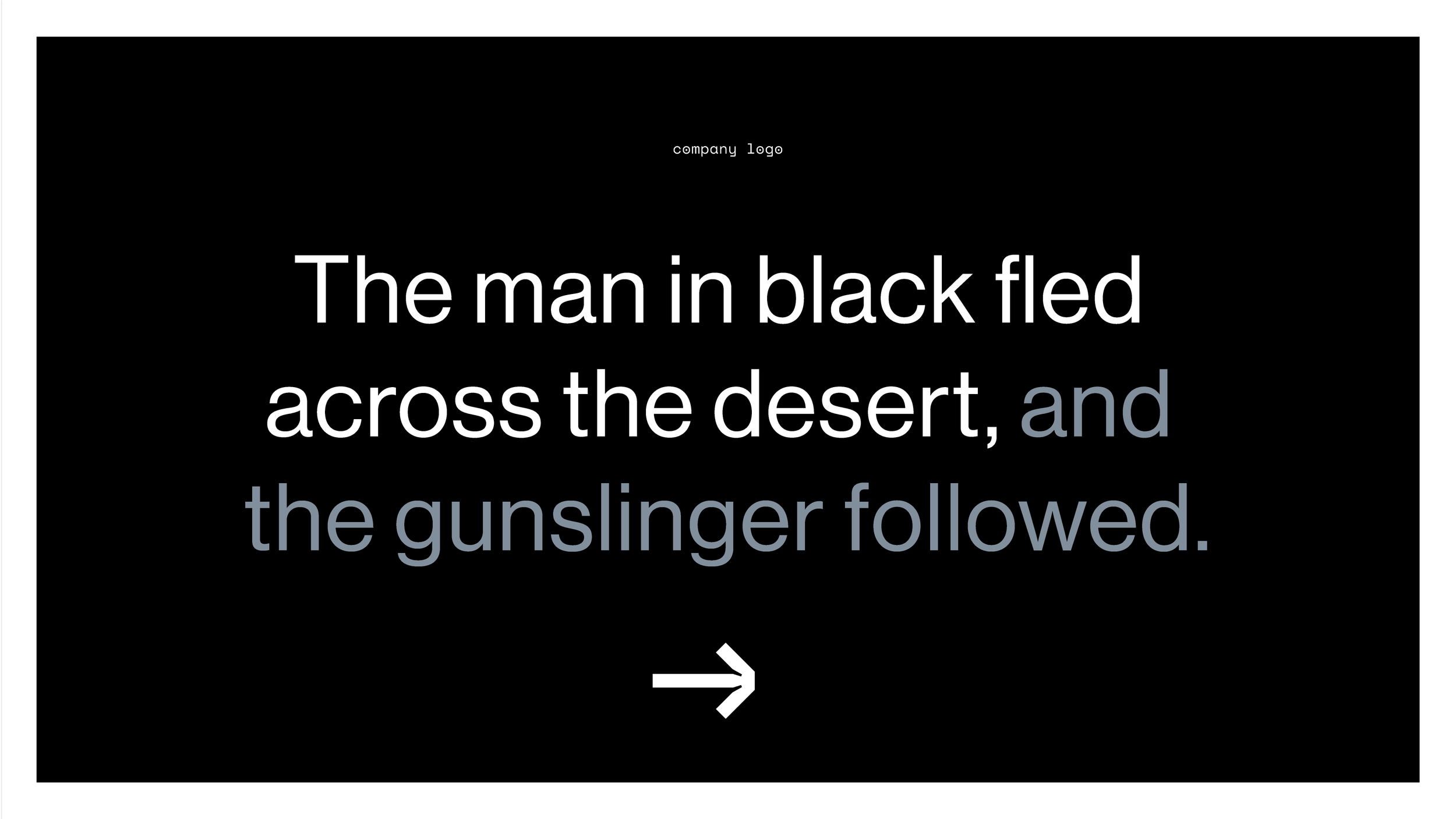
Full Page — The simplest, and easiest one to use. Good for covers and divider pages where you have a large image or statement text.
-
![]()
Cover Sample
-
![]()
Cover Sample
-
![]()
Statement Text Sample


— Layout Two
-
![]()
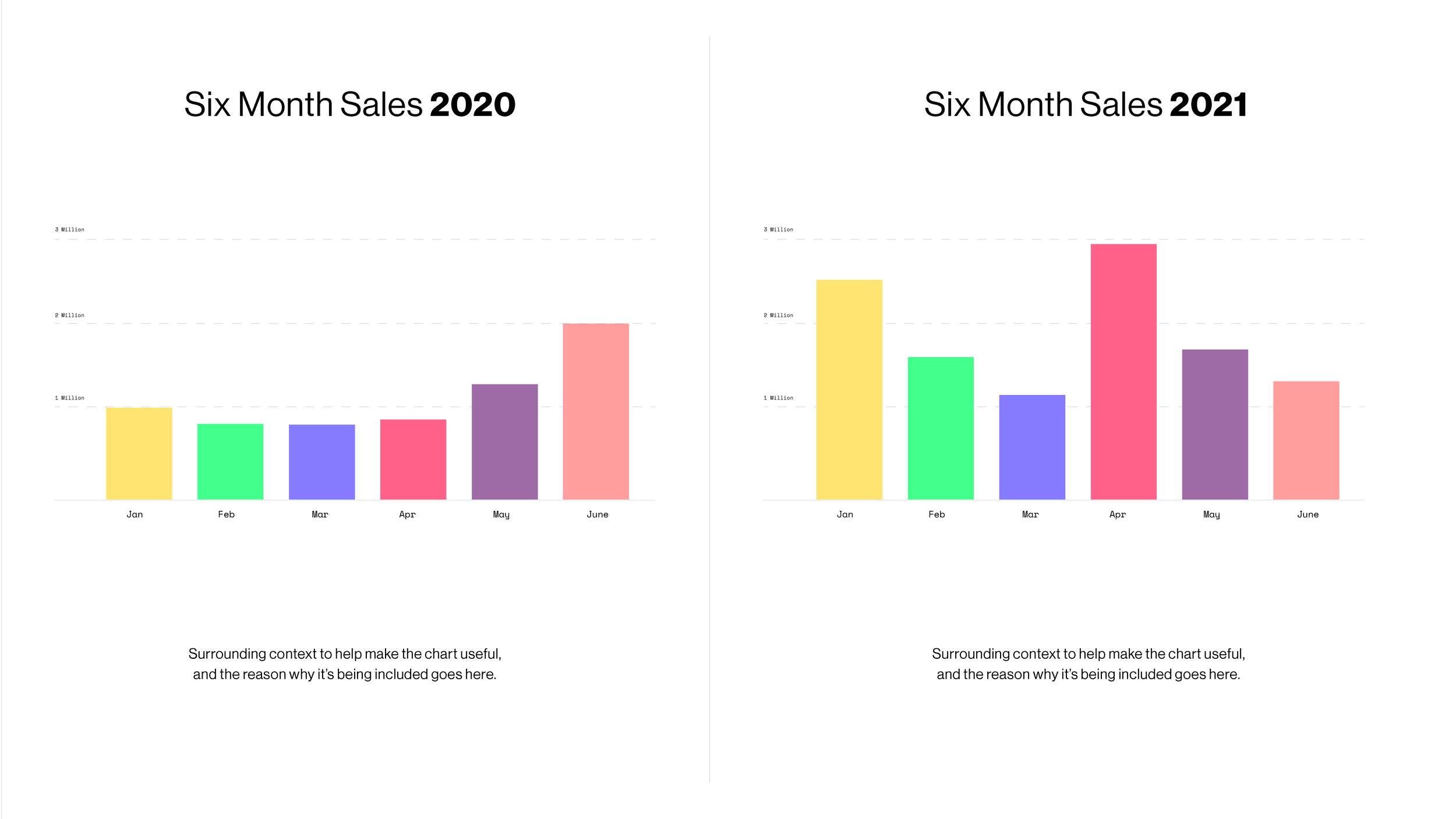
Split Page — Allows for two separate but connected pieces of information to sit together.
-
![]()
Sample
-
![]()
Sample
-
![]()
Sample


— Layout Three
-
![]()
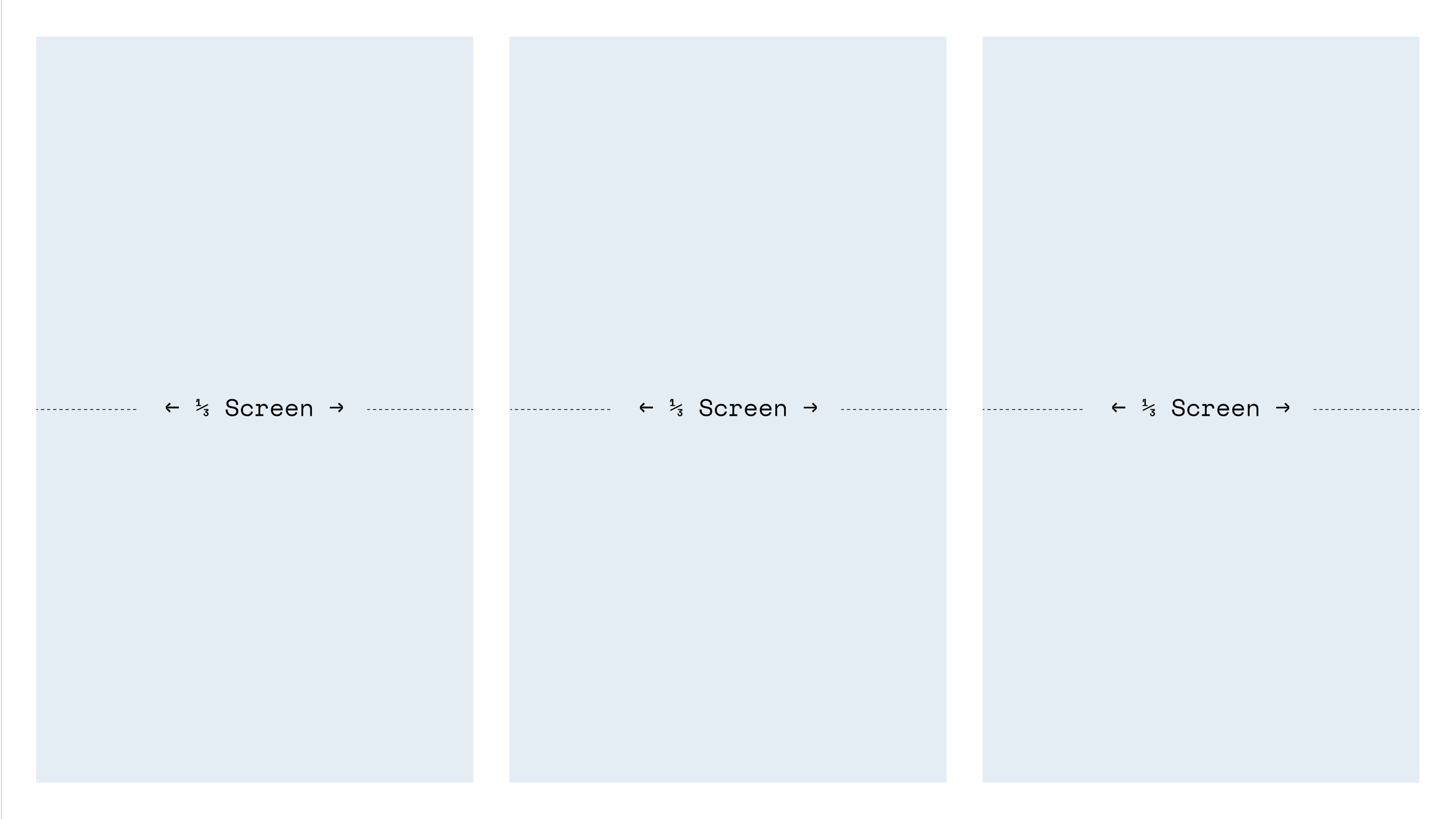
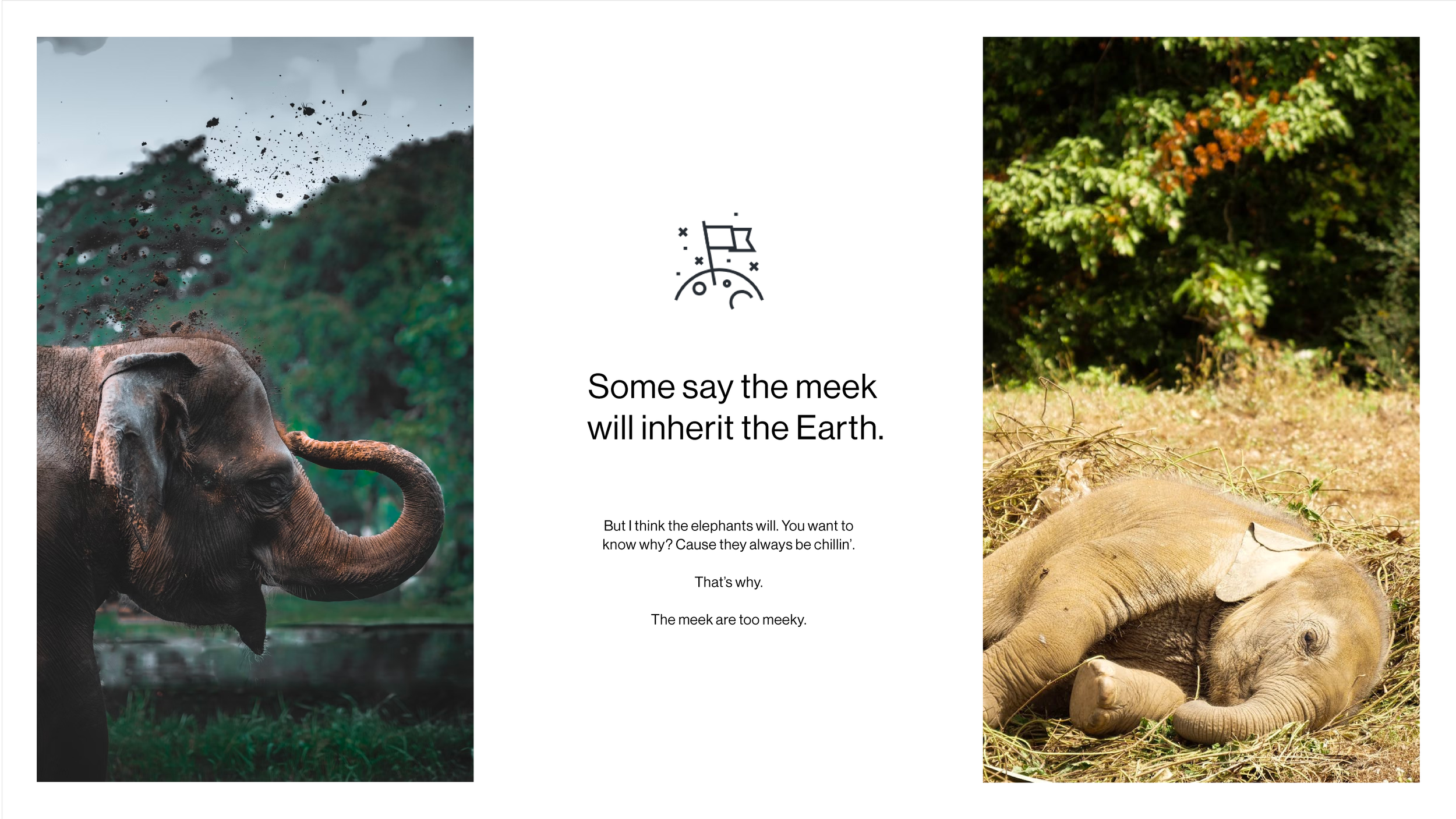
Triptych— An even, three way column split.
-
![]()
Sample
-
![]()
Sample

— Layout Four
-
![]()
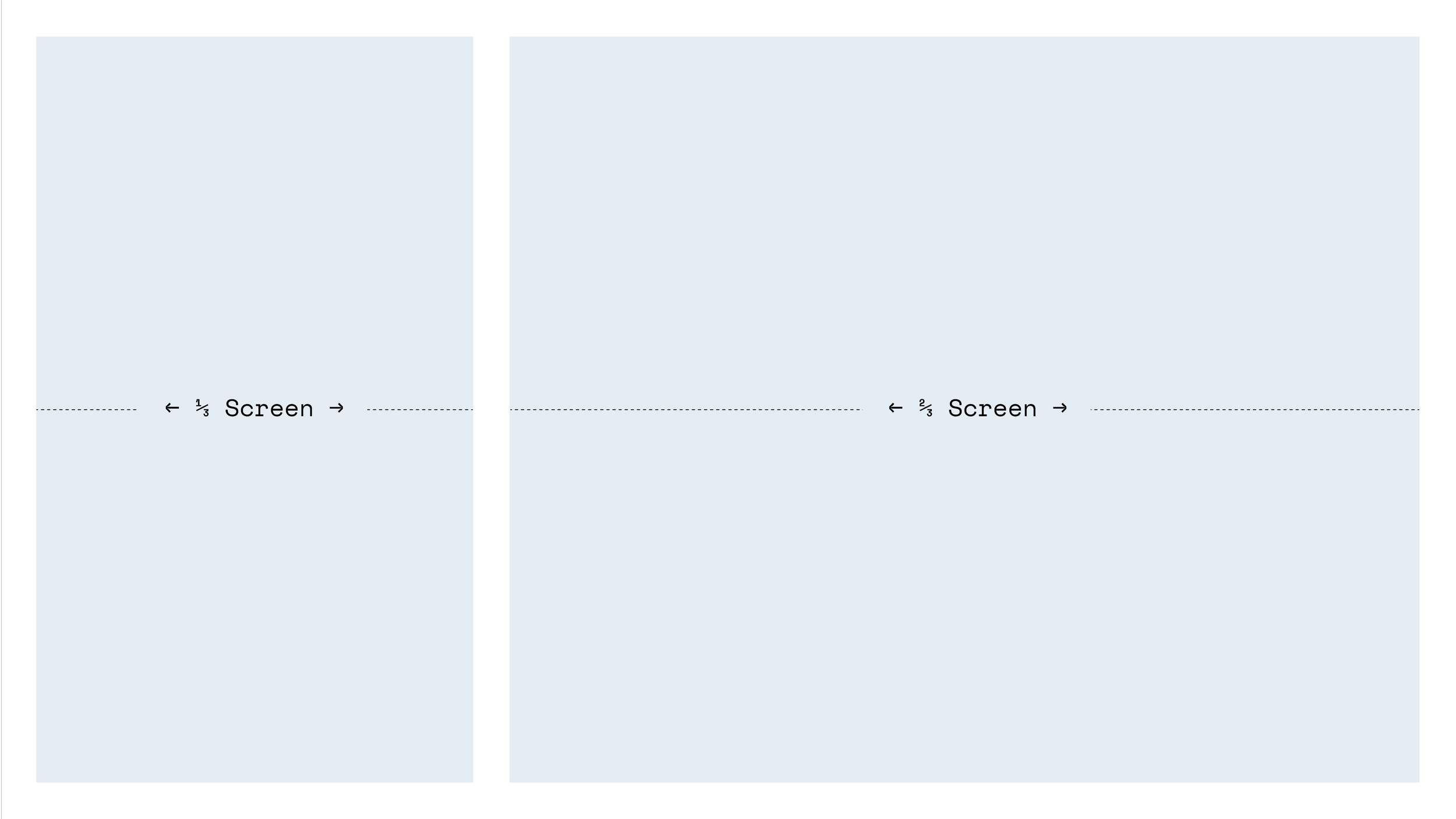
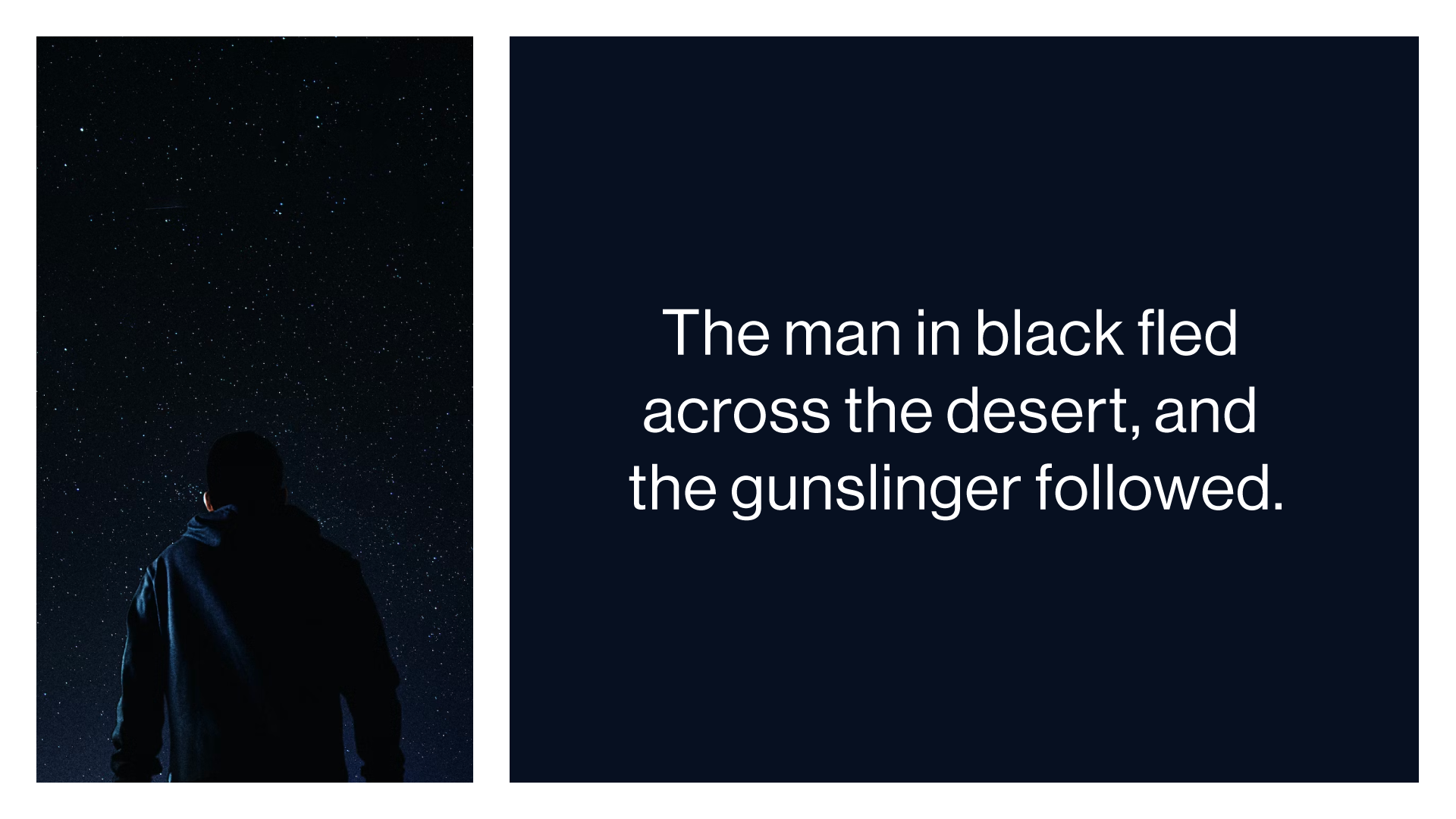
One Third / Two Thirds
-
![]()
Sample
-
![]()
Sample
-
![]()
Sample


— Layout Five
-
![]()
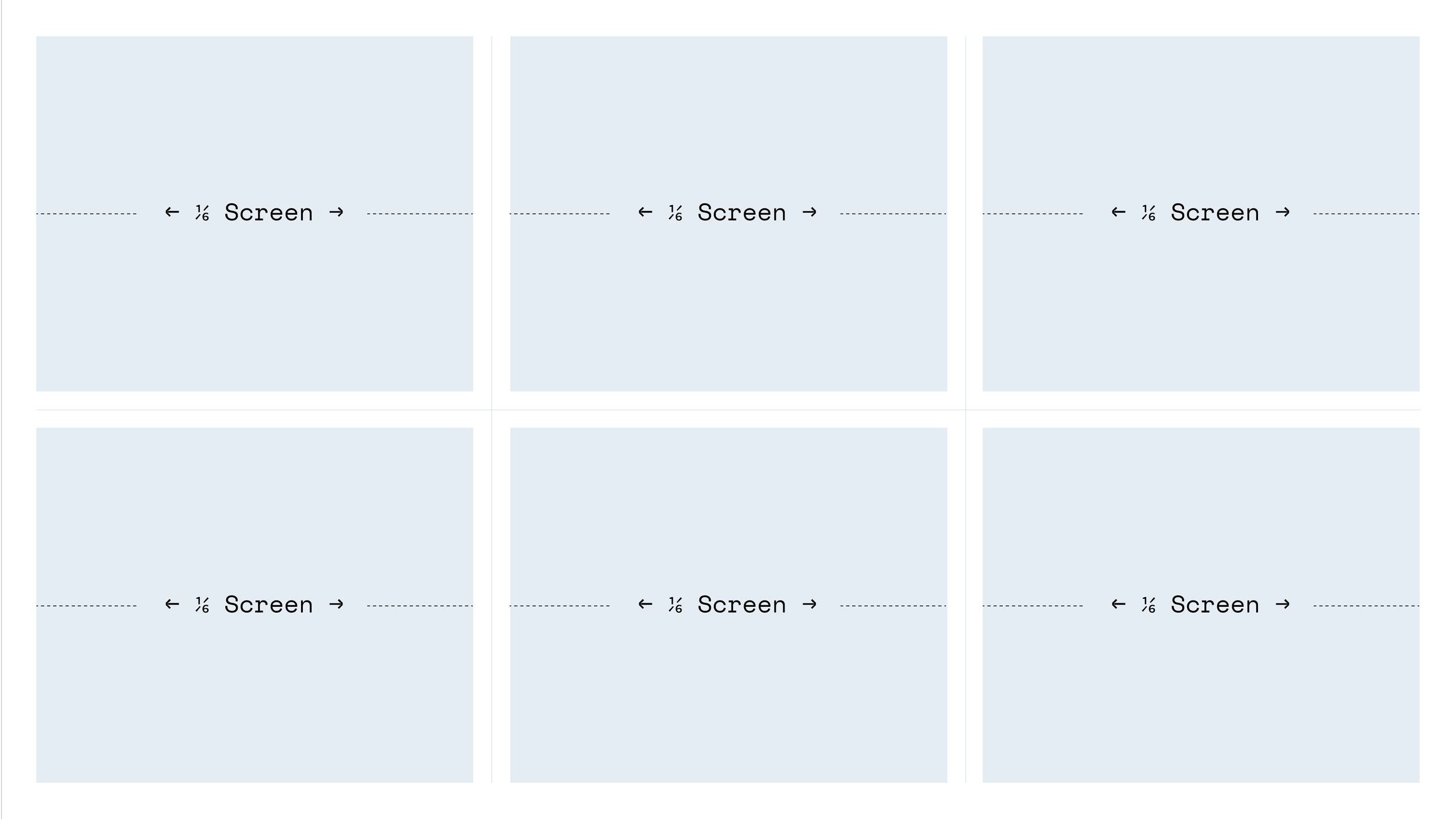
One Sixth — Very useful for when you have a lot of information to display on a slide.
-
![]()
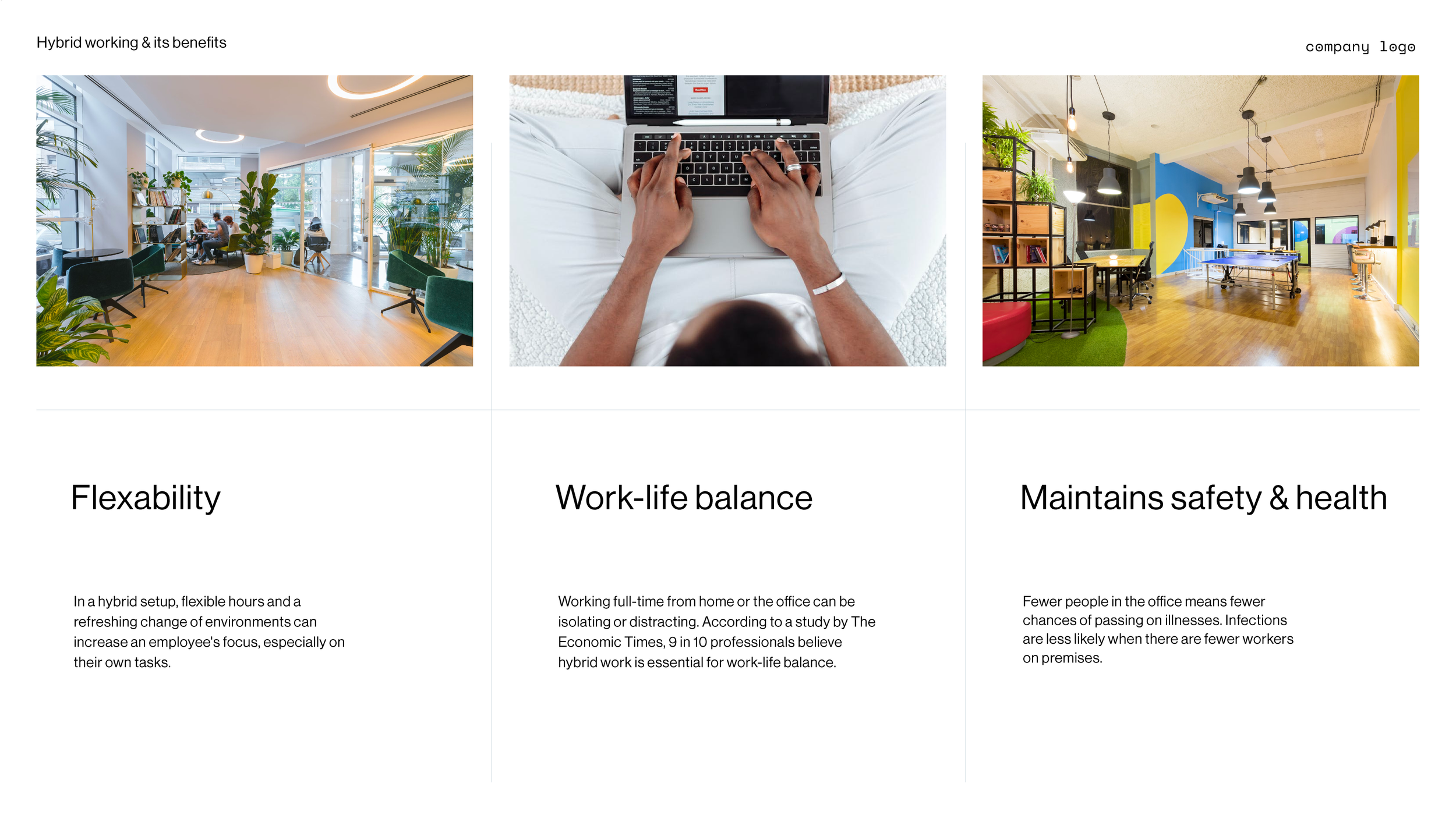
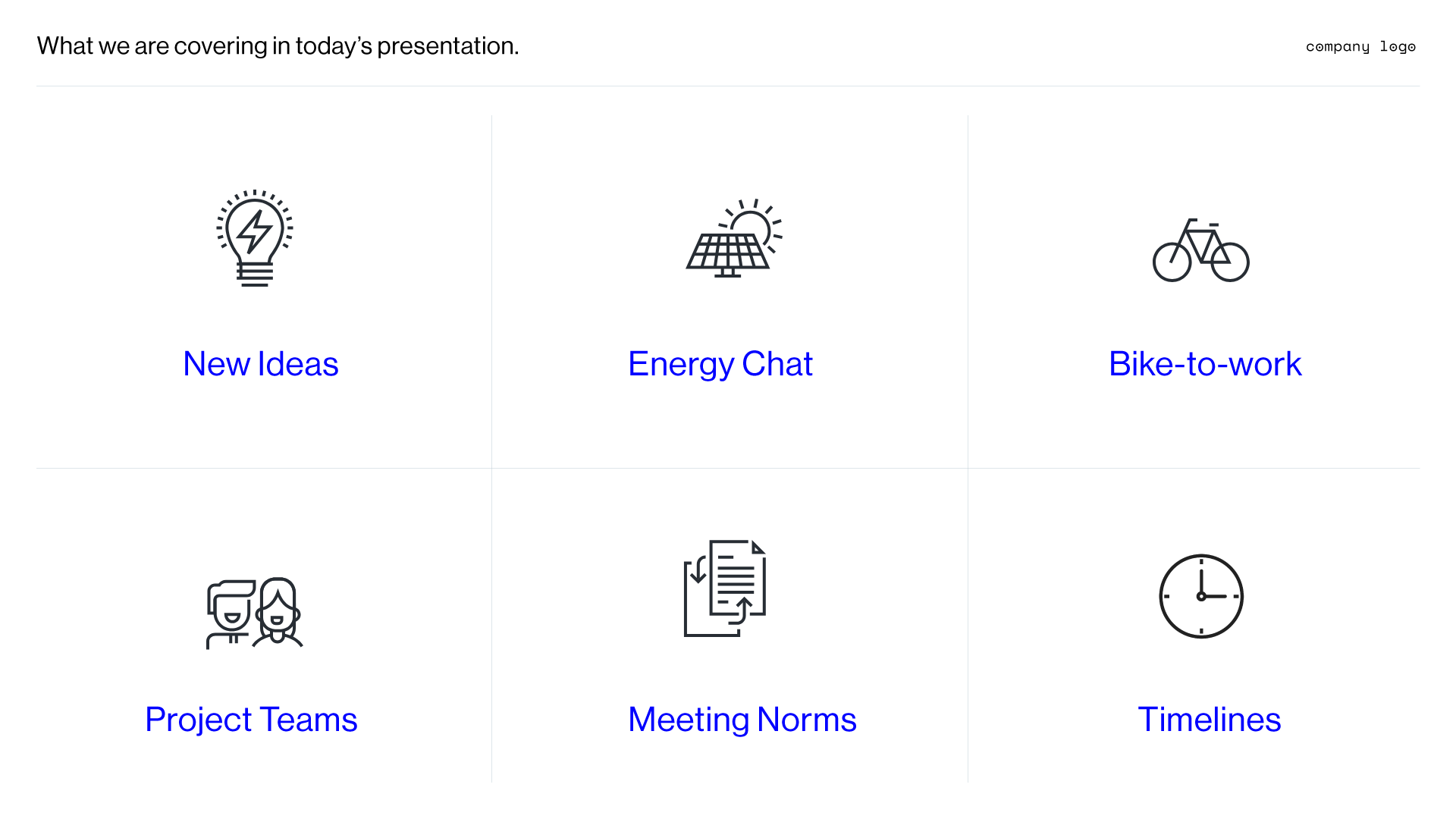
Sample
-
![]()
Sample
-
![]()
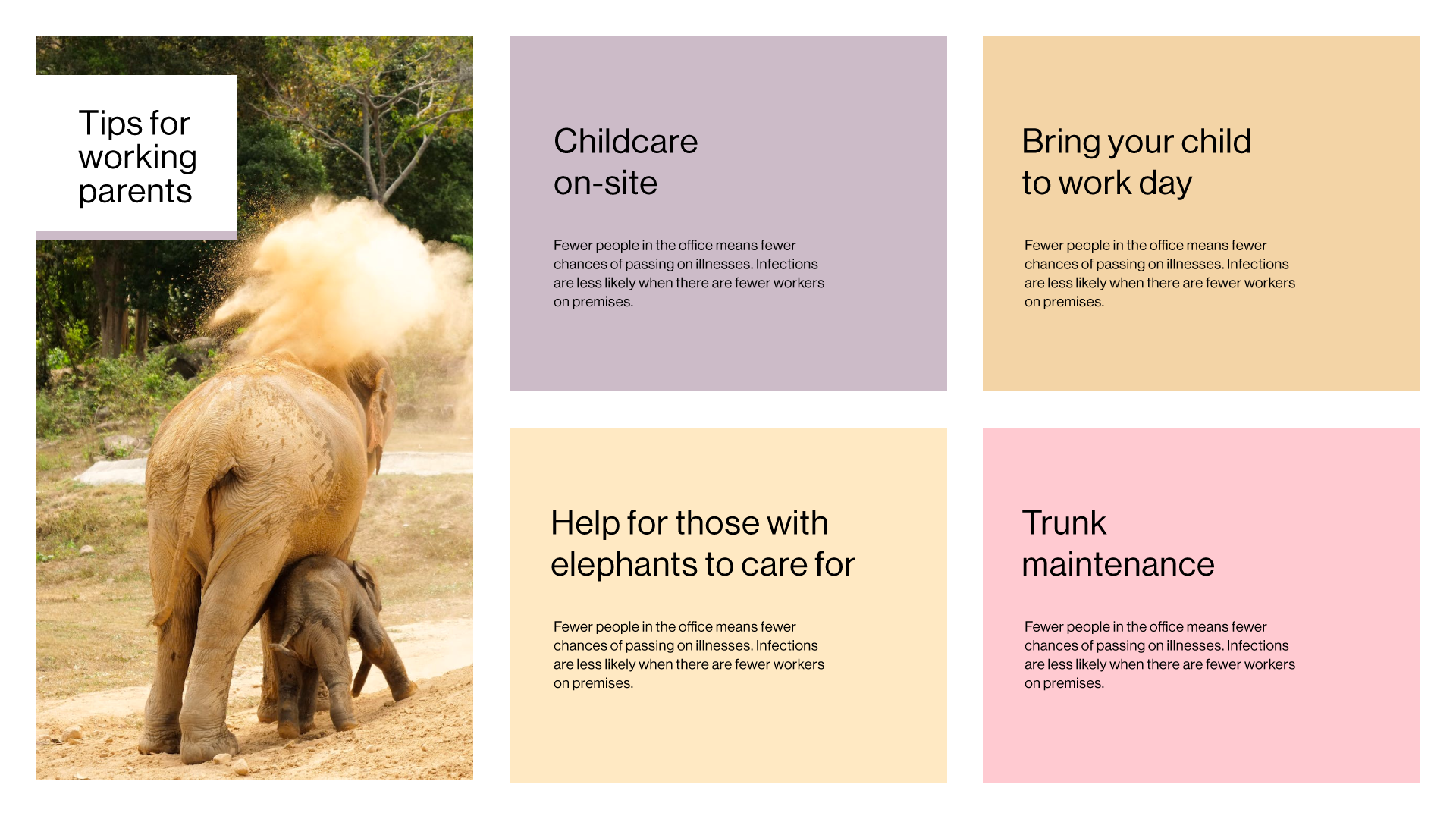
Flexibility — This grid is super flexible as you can combine parts to create even more layouts.
🚀 Where to Start
A grid underlines almost everything we visually interact with, from newspapers and websites to our phones and television interfaces.
As a starting point for designing slides they are essential, especially for a novice.
They allow all the elements to align harmoniously, and they help build patterns that the brain will easily follow.